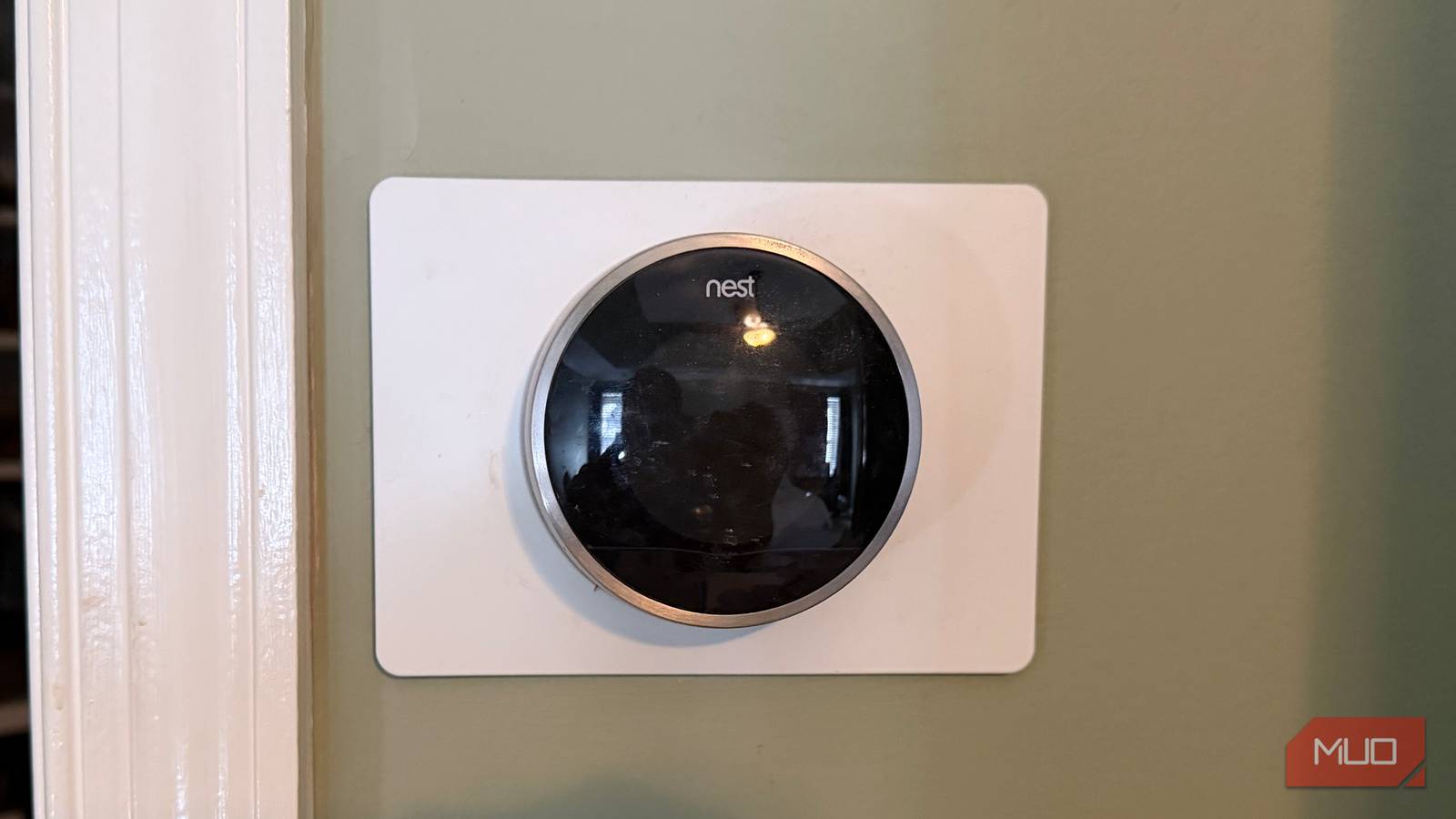
Without ongoing software support and access to cloud-based Google Home and Nest features, the dropped Nest Learning Thermostat models hardly qualify as “smart” thermostats in 2026. Here’s the quick list of core features these Nest Learning Thermostat versions lost, straight from Google’s official support document:
Checking the status of your thermostat in the Nest or Home app
Remotely controlling the device
Receiving notifications
Changing settings from your phone or tablet
Without access to the Home and Nest apps, additional functionality became unavailable. Connections to third-party assistants and Nest Protect accessories were broken for good. Features like Home/Away Assist, multi-device Eco Mode, and emergency shut off no longer work. Just about everything that made a Nest Learning Thermostat a Nest Learning Thermostat is gone, and the first- and second-generation models now have a gutted feature set.
The silver lining — if there is one — is that these Nest Learning Thermostat models weren’t completely bricked. You can still control them manually, including by setting the temperature, changing the cooling mode, or creating a custom schedule. The features and settings that don’t rely on Google Home and Nest servers to run still work, albeit only on the thermostat itself.
Also this, second post so the above doesn’t get overlooked:
It’s been a year since Google officially ended support for three Nest Learning Thermostat models. If you’ve hung onto your outdated Nest thermostats, there is a way to regain the internet-based features they lost. An open-source project called No Longer Evil, developed by Cody Kociemba, brings back remote control and dashboard management features.

So will they continue to work with Homeassistant or no?
Without ongoing software support and access to cloud-based Google Home and Nest features, the dropped Nest Learning Thermostat models hardly qualify as “smart” thermostats in 2026. Here’s the quick list of core features these Nest Learning Thermostat versions lost, straight from Google’s official support document:
Without access to the Home and Nest apps, additional functionality became unavailable. Connections to third-party assistants and Nest Protect accessories were broken for good. Features like Home/Away Assist, multi-device Eco Mode, and emergency shut off no longer work. Just about everything that made a Nest Learning Thermostat a Nest Learning Thermostat is gone, and the first- and second-generation models now have a gutted feature set.
The silver lining — if there is one — is that these Nest Learning Thermostat models weren’t completely bricked. You can still control them manually, including by setting the temperature, changing the cooling mode, or creating a custom schedule. The features and settings that don’t rely on Google Home and Nest servers to run still work, albeit only on the thermostat itself.
Also this, second post so the above doesn’t get overlooked:
It’s been a year since Google officially ended support for three Nest Learning Thermostat models. If you’ve hung onto your outdated Nest thermostats, there is a way to regain the internet-based features they lost. An open-source project called No Longer Evil, developed by Cody Kociemba, brings back remote control and dashboard management features.
Yeah I read that in the article, it doesn’t answer my question