

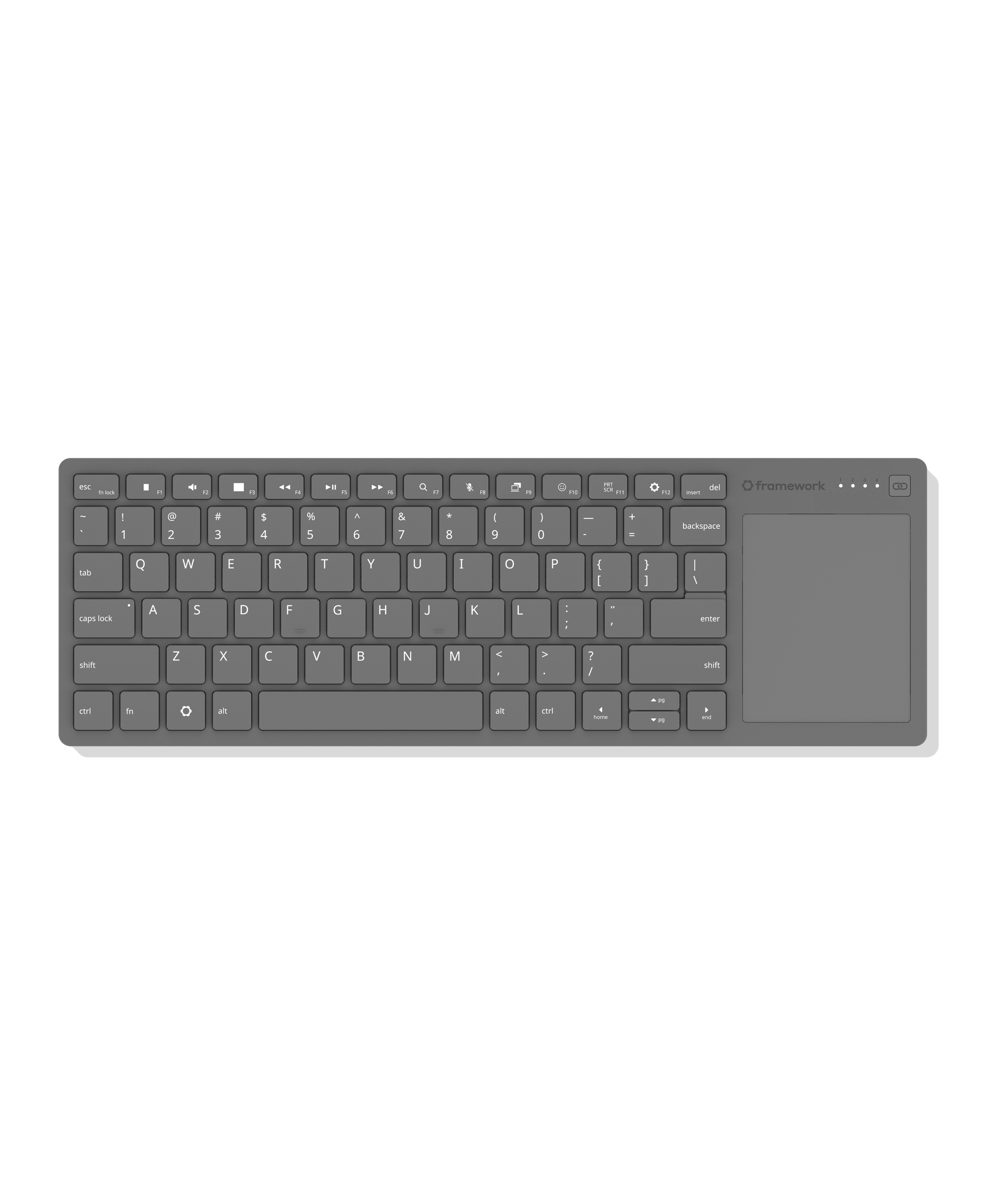
Finally, a wireless keyboard with an integrated touchpad that you don’t hate.
Super slim and durable, it’s ideal for HTPCs, sim rigs, and single-board computer setups, using the same keyboard and touchpad design as Framework Laptops.
Features a 68.8 × 85.6mm precision touchpad with multi-touch gesture support and 1.5mm key travel for a responsive typing experience. Connect via wired, Bluetooth, or USB-A dongle, and switch between up to four wireless devices. Compatible with the USB-A Adapter Expansion Card for added flexibility.
Powered by Nordic’s ultra-low-power nRF54L20 wireless SoC. Open-source CAD design and firmware based on ZMK Firmware allow for endless mod potential. The control board is available for purchase separately with breakout pinouts designed for DIY keyboard builds and custom projects.
Available later in the year
I haven’t used the Logitech one…what does that button do?
Left mouse click. You end up holding the keyboard like a game controller, and left click, Escape, Back and Home are convenient to your left thumb and the trackpad, right click, volume and mute keys are convenient to the right thumb. The F keys default to their alternate functions, so if you want to hit Alt+F4 you have to pres Fn+Alt+F4.
It is a left mouse button.