The mouse did not survive interrogation.
Also mouse not pictured.
Then you tell people about it on IRC and become known as “the dead mouse guy”.
But the maximum nickname length on the IRC server is limited, so you settle for “deadmau5” as your nick.
Not selfhosting, but I remember standing in a server room with a hands’ width of water on the ground (and rising), and hastily shutting down servers where the water was already in the case. It were big towers (Compaq Proliant, if anyone remembers), and luckily the board, drives, and PSU were in the top part of the big tower cases, the drive bays at the bottom were empty.
We got all equipment out safely, and we did not get electrocuted, either. We left with the last equipment when the water level was approaching the knees.
I thought that heatsink and fan was a spindle of CDs! I thought that was an interesting place to store them I hadn’t seen before…
My server once randomly kernel panicked once (and only once) and it took me an embarrassingly long time to figure out that a ram stick (too poor for ECC) had gone bad. Also took all my proxmox backup server backups with it because the validation would always fail (also due to the ram stick). Still worked fine otherwise lol
I’ve got Pfsense installed on a device with 6 RJ45 ports. 0 is wan, 1 is lan0, 2 is lan1, etc up to 4. Why I have multiple lans is somewhat tangential.
One day it rebooted due to a power outage and WAN worked but lan1 and 2 and 3+ were messed up. I’m still not entirely sure what happened, but the second physical Ethernet port was non responsive at boot and Pfsense just assigned the ports as if it never existed. I moved all the cables over one except LAN and it worked just fine. Except that of course in the troubleshooting i had moved all the assignments around and broke it thoroughly, so it took a while.
No mouse problem, but I’ve had to take measures to prevent cat-related downtime. Cats and power-button at the top is not a good combination.
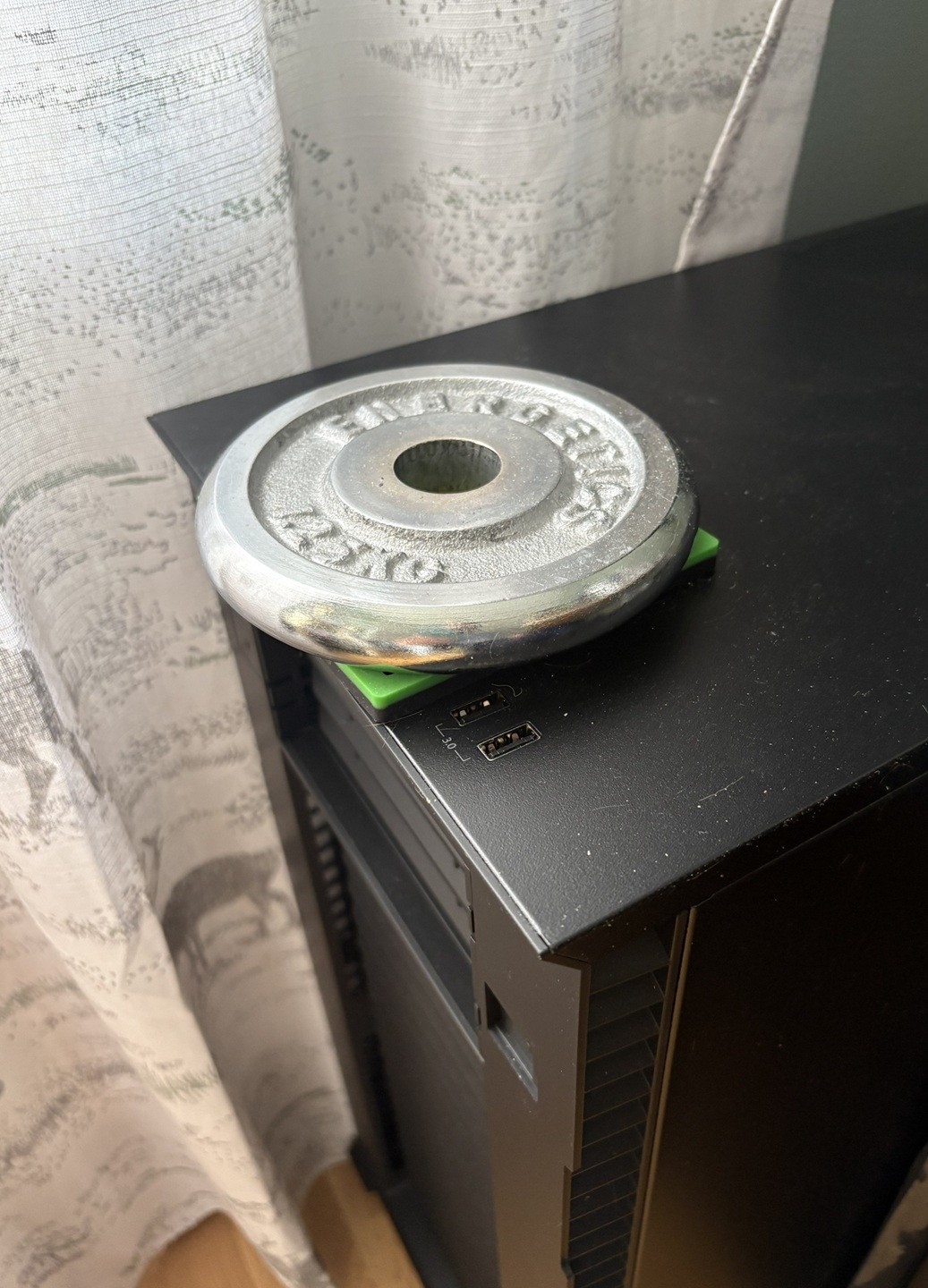
Instead of cat proofing, you were supposed to get a server room dog…
Aha, I disabled the LEDs by unplugging them from the motherboard, you could do the same with the power sw plugs
When I had this problem I disconnected the power button on the motherboard.
Cant you just assign a different action to that power button instead of messing with it internally?
You can for a click, but no way for the long press, as that’s handled on a lower level
Connect to spray bottle aimed at… well nope.
I hosted shit for about ten years before really understanding how local dns worked.
Imagine a primitive society that discovered literally every major modern scientific achievement, but somehow missed the wheel. That’s basically how my first setup went lol.
I have heard of local DNS multiple times now and been selfhosting for many years, but I’m good with my 192.168.178.39 :)
It opened the door to pihole and unbound, then dns certs, man… everything’s so nice now lol
Also mouse not pictures
I was frantically searching for it, then i opended the post to See if the comments found it …
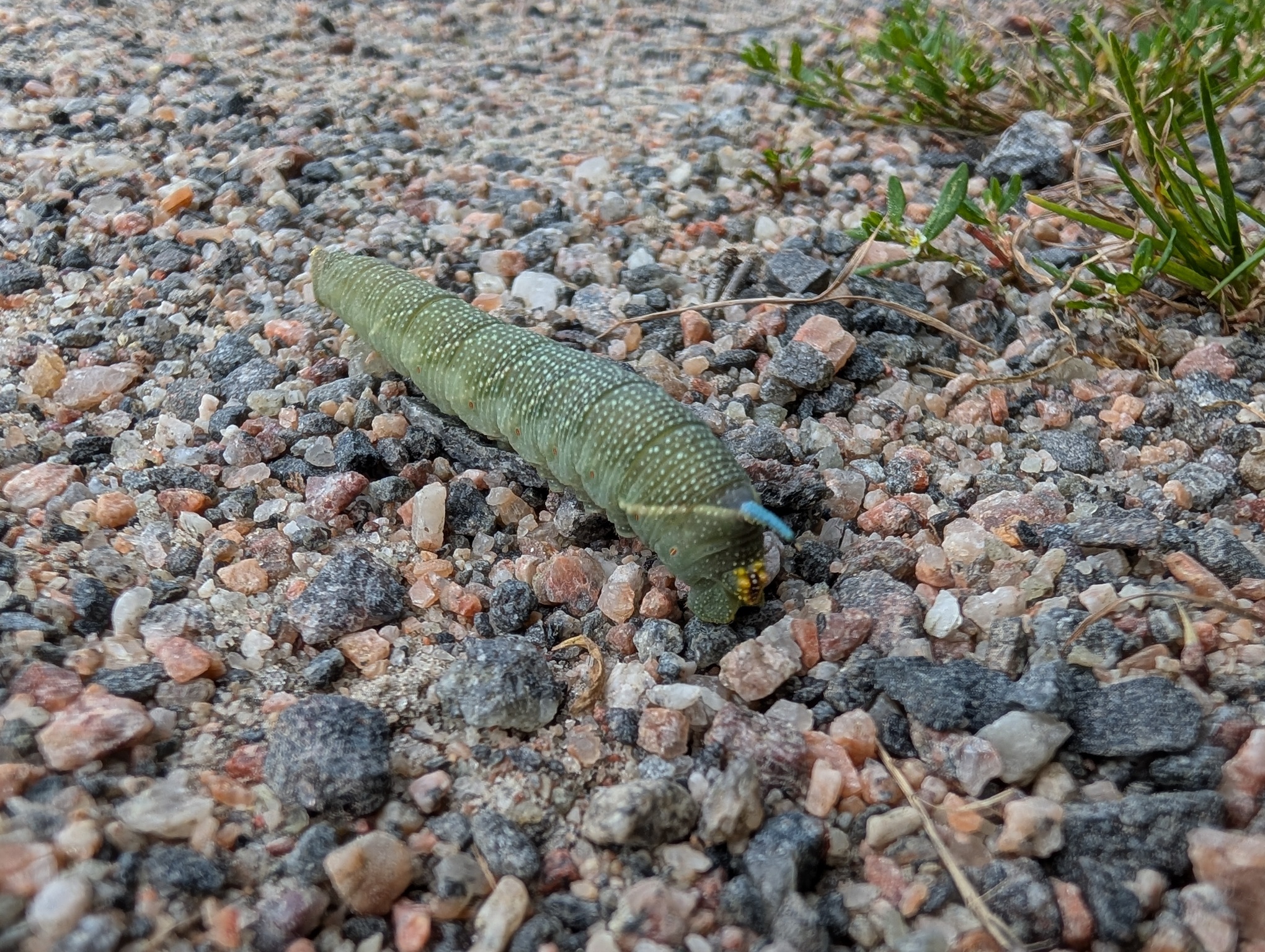
I’m sorry. Have this picture of a lime hawk-moth caterpillar I saw the other day.
https://plantmonster.net/pictures/phone/PXL_20260813_122831209.jpg
One day, our internet just stopped working entirely. Our ISP was fine, router good, but no outside connection and I couldn’t access local devices. I have two Unraid servers. I took a quick glance at them, they were powered on, all looked ok. I decide to power cycle everything. Still no internet. Then I realize that I can still access Google from my phone when on WiFi… hmm. That would mean… an issue with pi-hole!
I begin to try to diagnose from my phone with a hotspot to my computer. I’m getting warmer but some things just aren’t making sense. I go back and stare at the server running pi-hole. Then it fucking hits me.
I have the pretty odd and totally not ideal home network. I have plans to upgrade everything but currently I have two wifi networks tied to the same WAN. One network is run off of access points so I can get Ethernet to odd areas of the property. The Unraid server hosting pi-hole was connected to an AP and the Ethernet cable I used didn’t have a clip, so it just barely unseated itself from it, breaking the connection. The router+pi-hole config meant also breaking the internet if anything happened to pi-hole or that server. I swapped it for a better cable and it all instantly started working.
Spent that weekend sorting out the network so it doesn’t happen again. It was definitely a head-scratcher.
It’s always dns at least half the time
Pihole is cool, but fucked me over as well more than once (not the pihole itself but the host). It’s on its own hardware now, but I plan to add a second one to reduce the single point of failure.
Haven’t thought of that tbh. Would they both just share configuration? Curious how leasing would be split/shared between them. Off to research!
I’ve been running two piholes for a few years:
I let the router handle dhcp, while having it hand out each of the piholes IPs as DNS #1 and DNS #2. Those piholes settings are mirrored using Nebula-Sync, so any change made to one pihole gets copied over to the other automatically.
Both of those piholes are setup to wrap outbound DNS reqests in DOH as well, with the router blocking port 53 outbound. So all DNS traffic leaving the network has to be DOH/DOT or it just gets dropped. Currently using NextDNS and quad9 as my upstream DOH providers.
Note: the cloudflared method for DOH is outdated. I’m still using it via the docker image “image: cloudflare/cloudflared:2025.11.1”
I believe This (dns-crypt) is the more recent method.
Oh sweet this is super helpful! Doesn’t seem too complicated. Thanks!
There’s some sync mode but I haven’t really looked into it yet.
Makes sense.
Yep I’ve had it randomly stop working if it has to serve clients outside it’s subnet
At my first-ever tech job back in 2000, I was given a little Celeron desktop computer to do my work: mostly writing some ColdFusion and cutting up images in Photoshop. For the most part, the machine worked fine, except whenever I scrolled down on a webpage in Netscape, the box’s PC speaker would start screaming. I tried to ignore it, but I was in a small room with two other nerds and it was getting really annoying.
One day, my frustrated colleague decided it was time to investigate. As part of the process, he noticed that there was very little air coming out of the power supply fan port. “Must be a busted fan and that’s causing an overheating alarm” he declared. We unplugged the box, popped it onto my desk, and opened it up. The internals were pristine. No dust, nothing. The computer was practically brand new after all.
We were just about to crack open the power supply (not recommended, but we were getting desperate) when my colleague noticed that something was wedged inside the fan… it was the biggest (dead, thankfully) cockroach I have ever seen, at least 10cm long. For context, this was in Vancouver, Canada. Those just don’t exist there.
My colleague jammed his screwdriver in there to grind up the cockroach carcass, then plugged the box back in. After a shittone of dessicated cockroach guts spewed out the back, my little computer was operating normally.
As best we could guess, the monster crawled into the fan in Malaysia when as was assembled and somehow got pinned in there, died of starvation, and then stowed away to Canada.
And this is the way bioinvasor species spread - most of the time they don’t come delivered inside of PSUs but simple crates, which improves their survivability lol
For a while, the windows machine I was using kept randomly becoming unresponsive (both via network, as well as the keyboard+mouse) and I just could not figure out why. Everytime it did, I’d have to force a shutdown by holding the power button until it shutoff, then press it again to start back up. Sometimes this happened while I wasn’t home, so it had to just stay offline until I was.
I got sick of having to do this; so I replaced the power button with a transistor and a RPI. The PI would ping the server every 5min; if it failed to get a response 3 times in a row, it would trigger the transistor for 10sec, release for 3sec, then press and release again; forcing a poweroff then starting the machine again. It’d also write these events to a log file. I think it was around twice a week ish.
Never did figure out what the cause of the lockup was; but it stopped when I replaced windows with Debian.
I also had a machine that would randomly crash on Windows, but not on Linux.
I’m pretty sure it was some sort of hardware failure, as it also sometimes failed to boot Linux. But if it booted Linux, it would be stable until I shut it down.
Sometimes Linux handles faults better than Windows
Typically dmesg shows error when the hardware is acting up
Never did figure out what the cause of the lockup was
the mysteries of closed-source software
Had a zyxel nas that got unresponsive after 10-15days of uptime, thankfully it hat a scheduled shutdown/reboot setting. Runs since 2014 with a reboot every Mondy 3am.
Heh, my router is on one of those timer plug things. No matter how frozen, it will reboot.
I lost a raspberry pi for a couple months. Just couldn’t find the darn thing. It was working fine serving away.
Turns out it was in the basement. I forgot I moved it to be closer to my tilt Hydrometer.
Oh, good thing you wrote this. I’m about to give one of my printers away and there’s still a pi inside
Cups?
OctoPrint (3d printer)
To be fair, those things are really tiny!
You don’t need a mouse for a server. Just SSH into it, duh.
Now now don’t sshush the server, it’s doing the best it can, okay? It gets hot in that box…
Cat vomit… my cat hit my raspberry pi.
Acronyms, initialisms, abbreviations, contractions, and other phrases which expand to something larger, that I’ve seen in this thread:
Fewer Letters More Letters AP WiFi Access Point DNS Domain Name Service/System ISP Internet Service Provider NAS Network-Attached Storage PCIe Peripheral Component Interconnect Express PSU Power Supply Unit RPi Raspberry Pi brand of SBC SBC Single-Board Computer SSD Solid State Drive mass storage SSH Secure Shell for remote terminal access
[Thread #80 for this comm, first seen 18th Aug 2026, 08:10] [FAQ] [Full list] [Contact] [Source code]